
iGreet · AR & iPhone Duo
Open a
little more.
A greeting becomes a place for everyone’s wishes. Open it in your world, or unfold it with your phone.
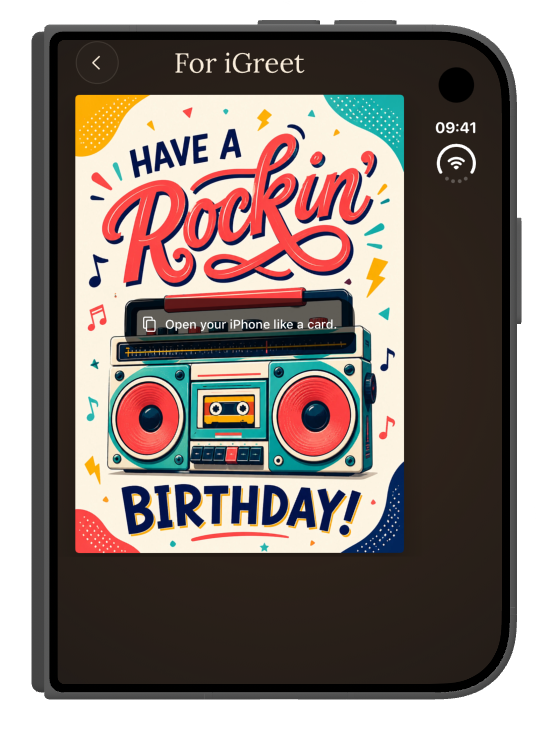
01 / A familiar gesture
Open your phone.
Open their card.
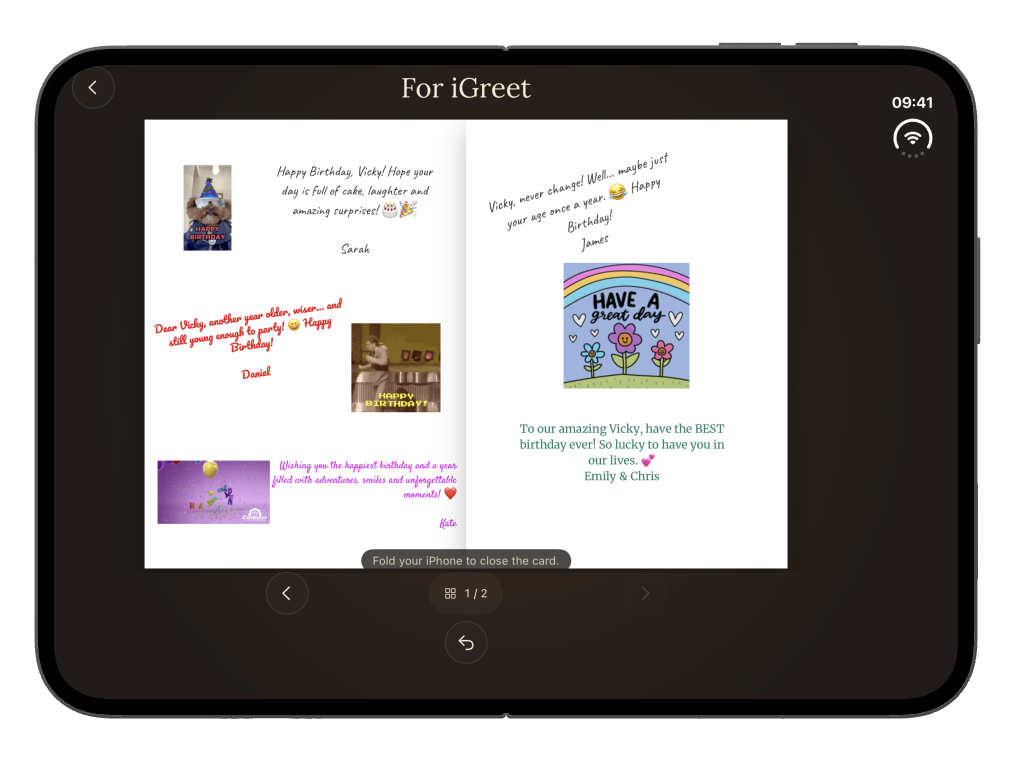
Designed especially for iPhone Duo, for the best card-opening experience. Unfold your phone to open the greeting across both pages, then fold it to return to the cover. Personal messages, photos and animated GIFs bring everyone’s wishes together.
Scroll to open, then close the card ↓
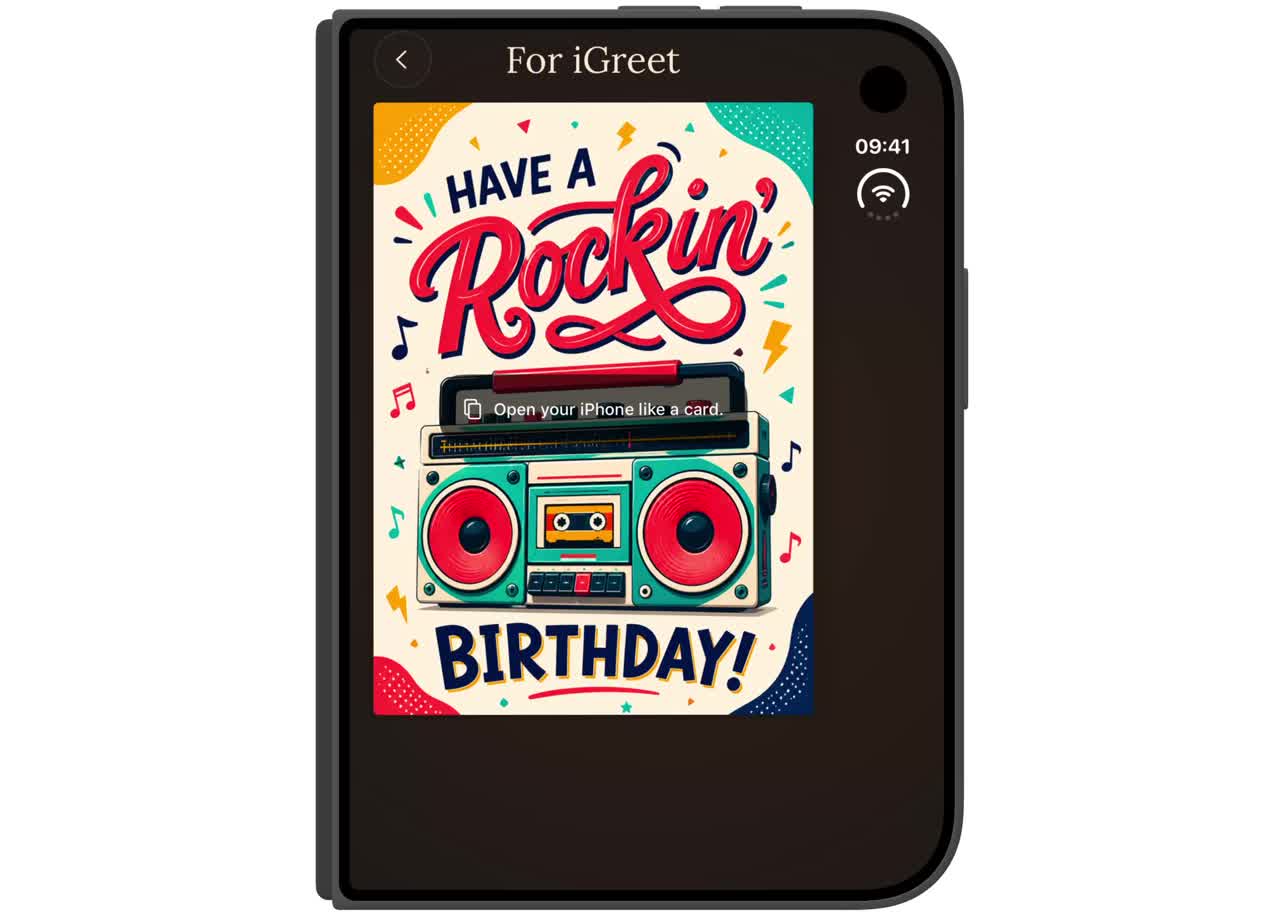
See still screenshots
02 / In your space
A card in
your world.
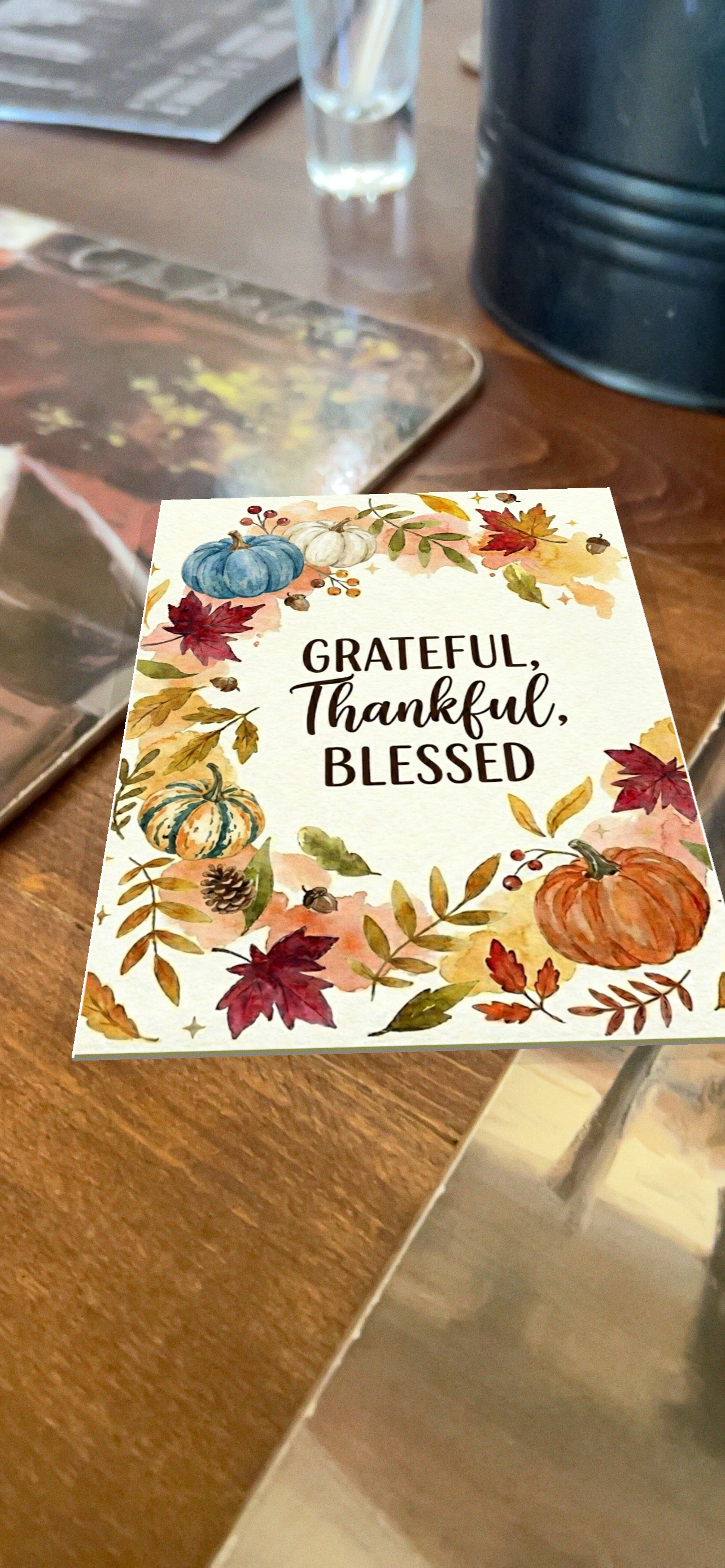
A new way to send a digital greeting from anywhere — and make it feel right there. With AR on iPhone, your recipient can place the card in their own space and open it to discover the personal messages inside.
- Open a card in iGreet.
- Choose View in AR on your iPhone.
- Place the card, then tap to open it.
Allow camera access, place your card and explore. This video shows the experience in iGreet on iPhone.
Scroll to open the card in AR ↓
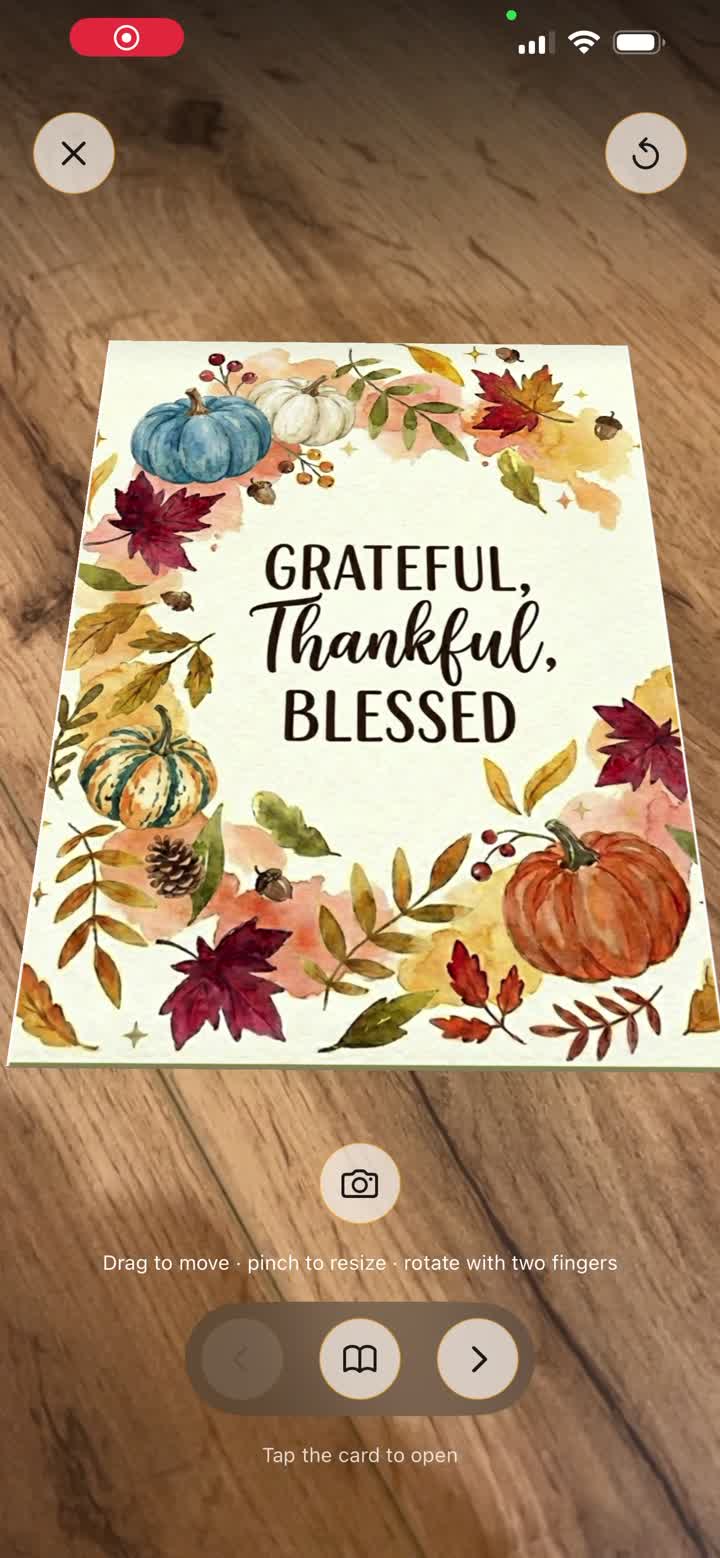
See the AR screenshot
03 / Experience it yourself
One card.
From everyone.
Explore a sample birthday greeting with messages, photos and animated GIFs from friends.
On iPhone or iPad
Install iGreet, then tap Open in iGreet. If the app is not installed, use the browser link to explore the card.
Inside the app, choose View in AR to try the card in your space. On iPhone Duo, unfold the device to open it.
Get iGreet on the App Store ↗Available in English and Bulgarian.
Original screenshots
Open the supplied images at full resolution.